
Have you ever wondered how to make your Roblox character truly unique and express your personal style? Learning how to create a t-shirt in Roblox gives you this amazing opportunity, allowing you to transform your ideas into eye-catching designs that stand out in a world of creativity and interaction. Imagine the fun of seeing your friends react to your design or even use it themselves in the game!
With the growing popularity of Roblox among Arab users, learning how to create a t-shirt in Roblox has become essential for anyone who wants to stand out and experiment. In this article, we'll guide you step-by-step through all the design stages. We'll also cover how to purchase Robux cards to unlock more possibilities and get the most out of your design experience within Roblox.
How to make a t-shirt in Roblox?
Are you wondering how to make a t-shirt in Roblox with clear and easy steps? Here is the practical method that enables you to design your own shirt and try it out in the game step by step.
What is a Roblox t-shirt template?
Before you begin designing your Roblox t-shirt, you must first download the official Roblox t-shirt template. You can find it by searching for “Roblox shirt template” or by visiting the Roblox Creator Hub.
The template is a 585x559 pixel image showing the different areas of the t-shirt such as the front, back and sleeves, which helps you place the design in the right place before uploading.
How can I easily edit the template?
To successfully create a t-shirt in Roblox, you'll need a simple, free image editor like Pixlr or Photopea. After downloading the template, you can modify the design using these basic steps:
- Open the template inside the editor and then erase the old parts to make the background transparent.
- Create a new layer and add your favorite colors, logos, or designs.
- Use the brush and text tools to customize the overall look as you wish.
- When finished, save the image as a transparent PNG so that it displays correctly when applied to the character.
This way you will be able to easily modify the template and learn how to make a t-shirt in Roblox whenever you want to change the appearance of the t-shirt or create a new design within Roblox.
How do I upload the design to the website?
The final step in learning how to make a t-shirt in Roblox is to upload the finished work to the official website:
- Log in to your Roblox account.
- Go to Create > Clothing > Shirts > Upload Asset.
- Choose the design file that you saved in PNG format.
- Pay 10 Robux for the upload fee.
- After uploading, you can test the t-shirt inside Roblox Studio by placing it on a virtual character to make sure it is coordinated from all angles.
Once you're happy with the result, you can upload the t-shirt for personal use or offer it for sale, provided you have enough Robux in your account. With these simple steps, you've learned how to create a t-shirt in Roblox from scratch and proudly display it in the game.
What are the settings and techniques for designing a professional t-shirt?
Learn how to create a t-shirt in Roblox and how to adjust the settings correctly for a professional design:
What are the correct dimensions and design format?
The ideal image for a Roblox t-shirt design should be 585x559 pixels. These dimensions ensure all design details remain clear and undistorted when uploaded to the platform. Use high resolution to maintain color and texture quality. Once finished, save the final image as a PNG with a transparent background. This format promotes transparency and prevents unwanted colors from appearing behind the design.
How does using layers make design easier?
Working with layers greatly simplifies the design process. Create a layer for the background, another for the main design, and separate layers for additions, shadows, or decorations. This structure gives you more freedom to modify or delete elements without affecting the rest, and allows you to easily experiment with multiple ideas on the same template.
What about transparency and colors?
- Transparency is essential to prevent unwanted squares or areas from appearing on your Roblox character. This can be controlled by deleting specific parts of the template before saving.
- Choose your colors carefully, as matching the tones between the sides and sleeves gives the t-shirt a perfect visual harmony.
- Use the Fill Bucket tool to quickly fill in the basic areas, then Line or Ellipse to accurately draw the details of the sleeves and neckline.
- It is helpful to test the design within Roblox Studio to see how the colors and elements are distributed on the 3D model before the final upload.
- You can use ideas from Pinterest, work directly in Discord, or your favorite design software, then easily integrate the design over the official template.
How do I use the t-shirt on my own account or sell the design?
- After uploading the t-shirt and waiting for approval from the Roblox team, head to the Avatar Editor to add it to your account and customize your appearance as you wish.
- If you want to put it up for sale, choose the right price for the design based on its quality and the rarity of its concept.
- Make sure you have at least 10 Robux in your account to cover the publishing fees for selling the t-shirt.
- If the sale is through a group, it is recommended to transfer the balance to it so that the collective profit is recorded there.
- Remember that uploading the t-shirt for personal use is free in the Classic T-shirt category, but selling it requires an additional fee.
Does the process differ between mobile and computer?
The basic steps are similar, but on your mobile device you can use the Pinterest app to find ready-made designs and then upload them directly through the Roblox app via the path: Customize > Clothing > Classic T-shirt. This way you can do everything from your phone without needing a computer.
How can I earn Robux from designs?
Earnings are generated when players purchase your designs directly or when they are sold through a Roblox collection you own. Once the T-shirt is approved by the relevant team, earnings are automatically credited to your account or collection balance, making your designs a fun and profitable way to monetize the game.
What are the best Roblox cards and add-ons for a more enjoyable design experience?
When thinking about how to create a t-shirt in Roblox, creativity isn't complete without tools and add-ons that give you more freedom and a more distinctive look for your characters. TechCard Store offers a selection of original Roblox game cards and add-ons that can make your designs more unique and easy, with ongoing technical support and fast code delivery upon payment.
Roblox – Delinquent Demon DLC CD Key
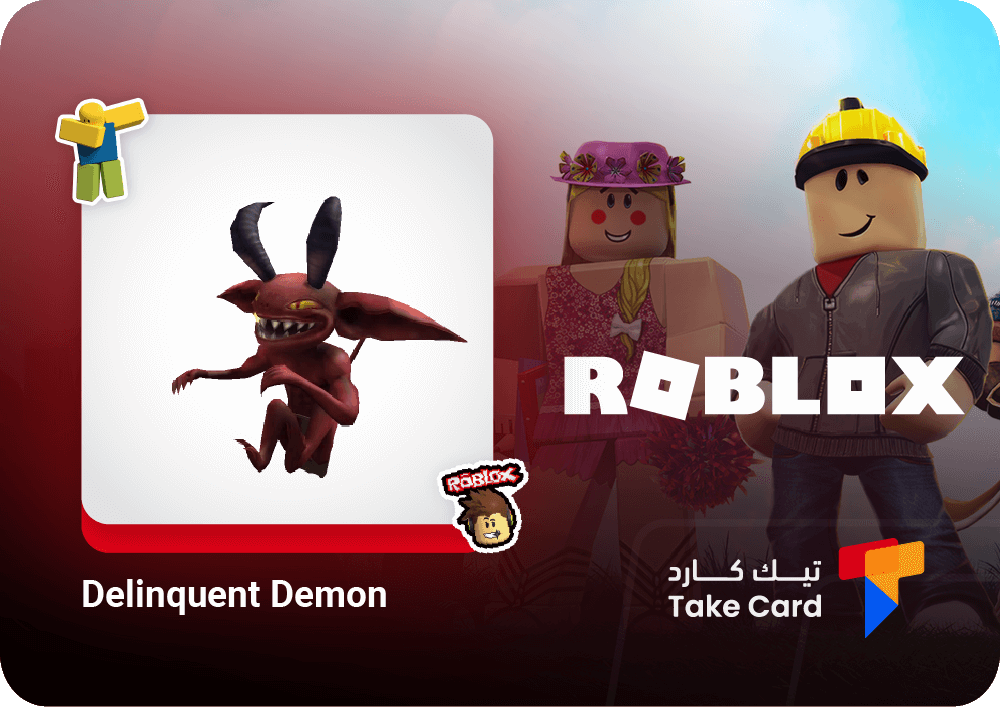
Want to add a touch of mystery to your Roblox character? The Roblox – Delinquent Demon DLC CD Key digitally gives you a code to activate a demonic-looking character with dark colors, horns, and distinctive wings. You'll receive the activation code immediately after purchase.
Roblox Card – 1500 Robux
This Roblox gift card – 1500 Robux – is perfect for anyone looking to hone their t-shirt design skills within Roblox or purchase new clothing and items. It gives you 1500 Robux that can be used in the in-store or to pay for uploading your designs. The code is easily activated on the Roblox website, just like usual. With this promotional offer, it's a fantastic opportunity for digital fashion designers.
Roblox – Hungry Orca DLC CD Key
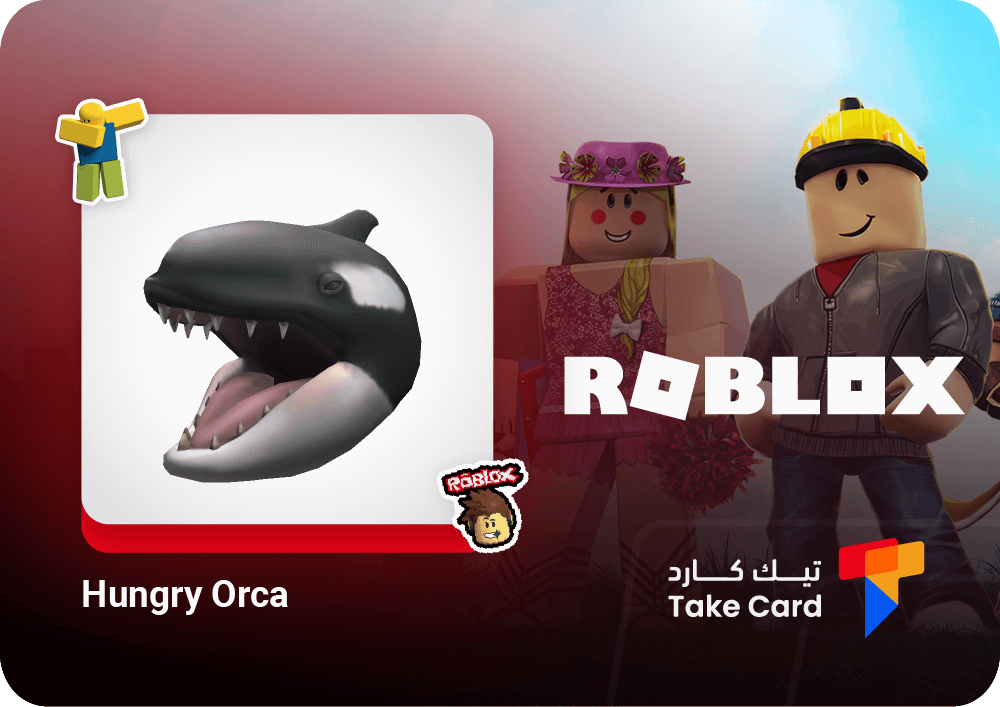
For those who appreciate uniqueness and fun in the details, the Roblox Hungry Orca DLC CD Key gives you a smiling orca head with an open mouth, creating a distinctive in-game look. The code is easily redeemed via the official Roblox website, and the accessory will appear instantly in your account.
All these options help you make your t-shirt design experience in Roblox more fun and unique, whether by customizing your character's appearance or funding your creations with additional Robux.
Frequently asked questions about how to make a t-shirt in Roblox
How can I make clothes in Roblox?
To create clothing in Roblox, you can download official templates from the Creator Hub and then edit them in a design program like Photopea or Pixlr. Once you've finished your design, you can upload the file via the Create section of the Roblox website interface, and it will be ready to use.
How to make a t-shirt in Roblox 2025?
You can start by creating a t-shirt in Roblox using Roblox Studio, selecting your design file in PNG format. Then, use the available tools to adjust the dimensions and colors to fit the standard in-game t-shirt template, giving your character a unique and distinctive look.
How to make a t-shirt in Roblox for free?
To create a free t-shirt in Roblox, you can use Canva templates or free online image editing software. Simply save the design at a suitable resolution and upload it to your Roblox account to use as your avatar without any cost.
Summary
Knowing how to create a t-shirt in Roblox opens up a vast space for you to express your personality and ideas in a unique way within the virtual world. Thanks to easy-to-use editing tools and Tickcards, you can freely customize your designs and turn them into an opportunity to monetize your creativity without any complications.